AI Prompt Engineering for Creators: How to Write Cinematic AI Prompts
Learn AI prompt engineering for Midjourney, DALL·E, and Runway — cinematic frameworks, prompt upgrades, and best practices for better AI visuals.
2026-03-28 · 8 min read
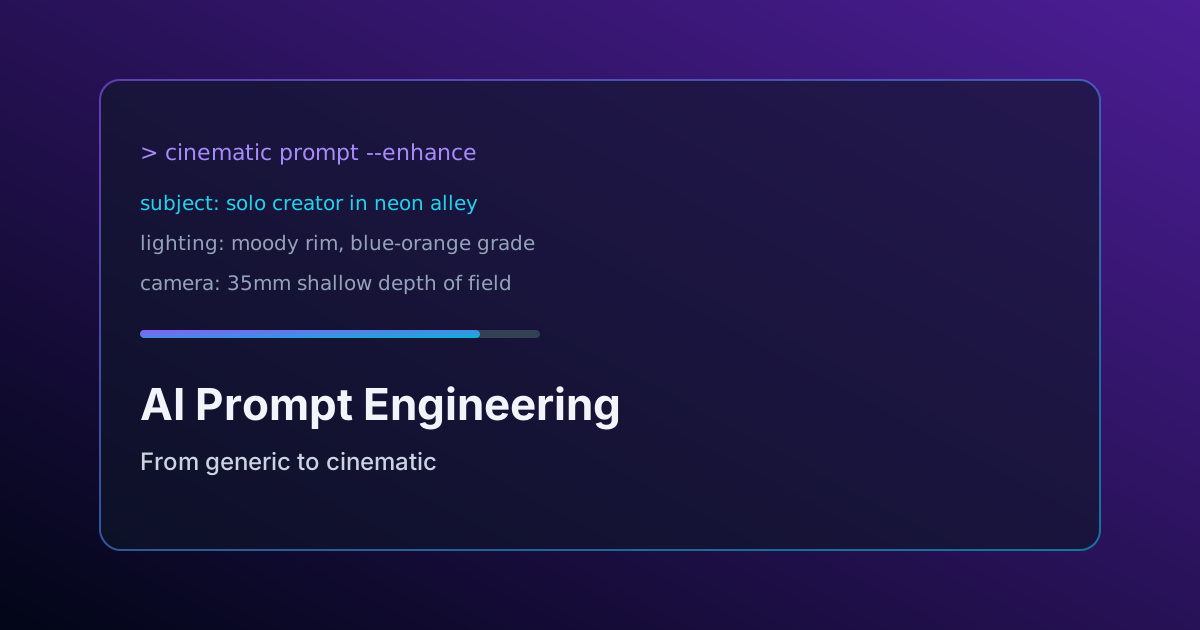
AI prompt engineering · Cinematic AI prompts
Most AI-generated visuals fail because prompts are too vague. Generic prompts lack structure, cinematic detail, emotional direction, and technical guidance for AI models.
Whether creators use Midjourney, DALL·E, Runway, or Sora-style tools, strong prompt engineering dramatically improves visual quality, storytelling, and consistency.
Why Most AI Prompts Fail
Weak prompts often miss the core details AI models need to generate cinematic results. A simple prompt like:
“epic mountain video”
provides almost no information about:
- Subject
- Mood
- Lighting
- Camera style
- Environment
- Visual storytelling
As a result, AI tools generate generic and inconsistent outputs.
The Cinematic Prompt Framework
High-performing AI prompts usually follow a structured cinematic framework that helps AI models understand both visual composition and emotional tone.
Use this structure:
Subject
Who or what appears in the frame.
Action
What is happening in the scene.
Environment
Where and when the scene takes place.
Style
Film reference, visual aesthetic, or cinematic inspiration.
Technical Details
Lens type, lighting setup, color grading, depth of field, frame rate, or camera movement.
Example Prompt Upgrade
Before
“Person walking in a city at night”
After
“Cinematic medium shot of a solo creator walking through neon-lit Tokyo alley at rain-slick midnight, shallow depth of field, anamorphic lens flare, moody blue-orange color grade, cinematic film grain, atmospheric lighting”
How Cinematic Prompts Improve AI Results
Structured prompts improve:
- Visual consistency
- Emotional storytelling
- Scene composition
- Lighting realism
- Cinematic quality
- AI output accuracy
Creators using optimized prompts often achieve stronger results with fewer generations and lower editing time.
Best Practices for AI Prompt Engineering
- Be visually specific
- Add cinematic lighting references
- Include camera and lens details
- Use emotional and atmospheric language
- Avoid conflicting instructions
- Keep prompts focused on one clear scene
Use CreatorPilot Prompt Repair
CreatorPilot Prompt Repair helps creators optimize AI prompts using cinematic frameworks, clarity analysis, keyword enhancement, and AI-powered prompt rewriting.
The tool improves prompts for Midjourney, DALL·E, Runway, Sora-style AI generation, and cinematic visual storytelling workflows.
Final Thoughts
Learning AI prompt engineering helps creators move from generic AI outputs to cinematic, professional-quality visuals. Structured prompts improve storytelling, realism, and creative consistency across modern AI generation tools.
Optimize your AI prompts instantly
Paste a draft prompt into Prompt Repair for clarity scoring and cinematic rewrites.